








































































Custom Heat Transfers
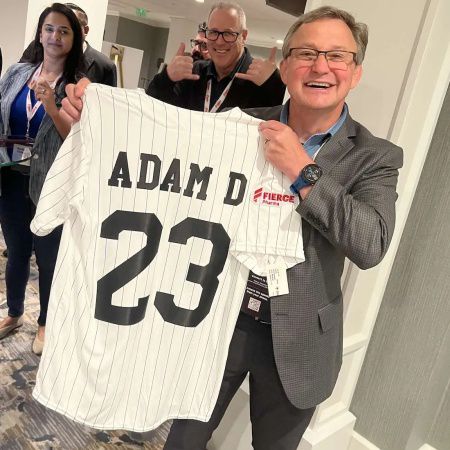
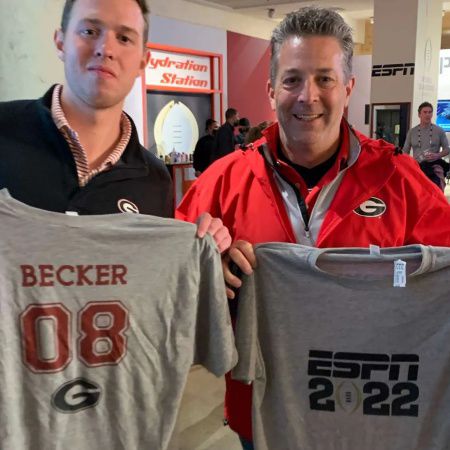
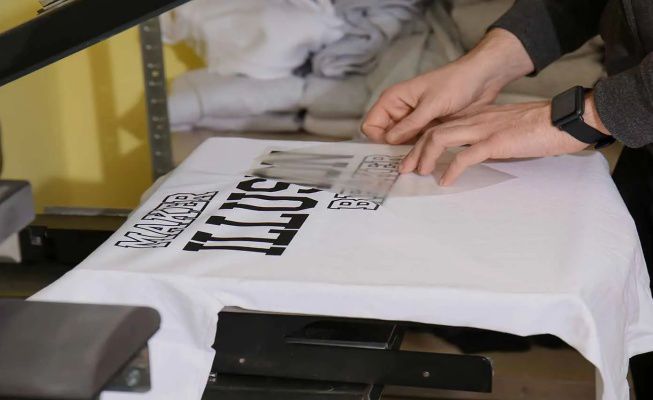
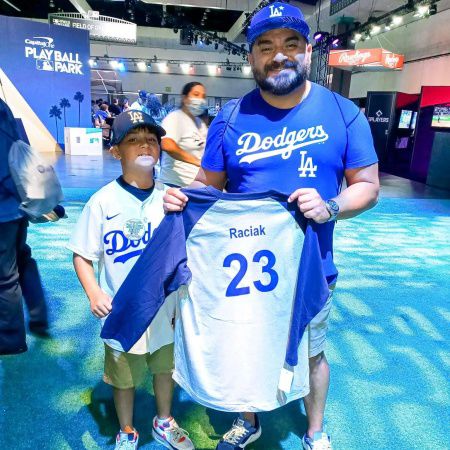
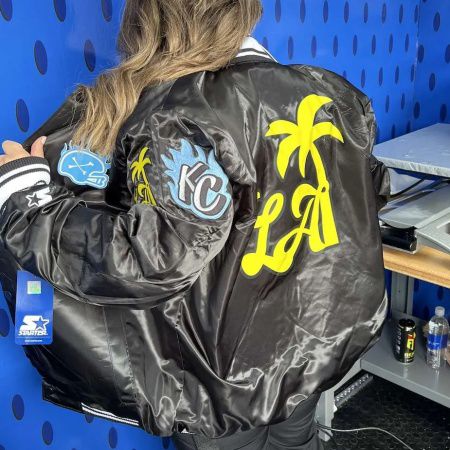
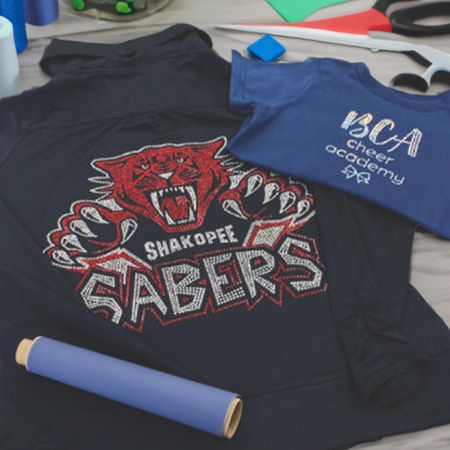
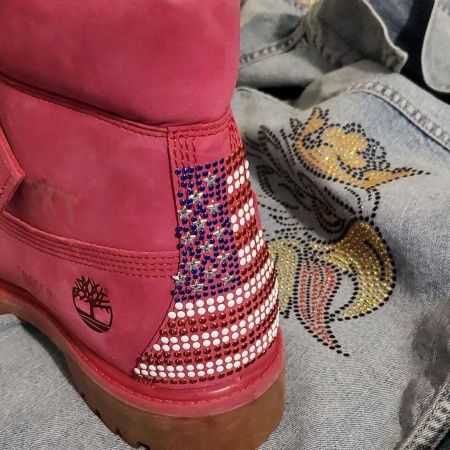
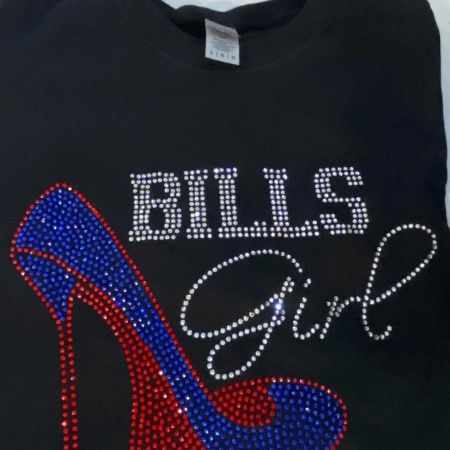
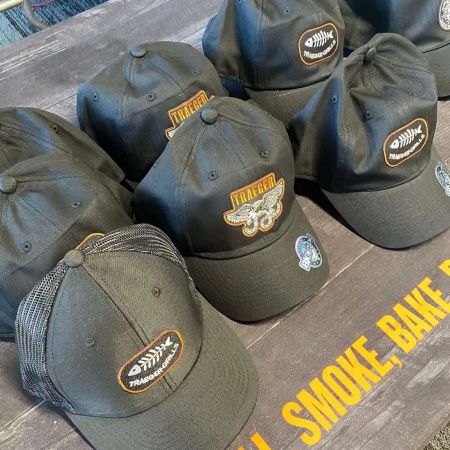
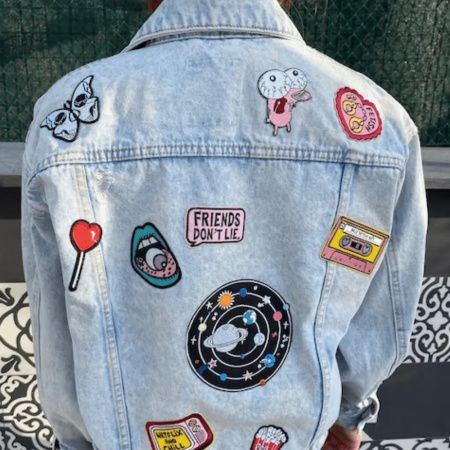
Custom Heat Transfers PHOTOS

Client Experience Flow
1. Loading Page & Personalisation:
Start with a loading screen showcasing an illustration of the customisable jersey.
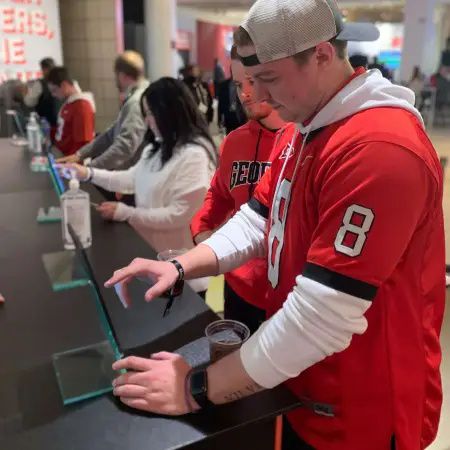
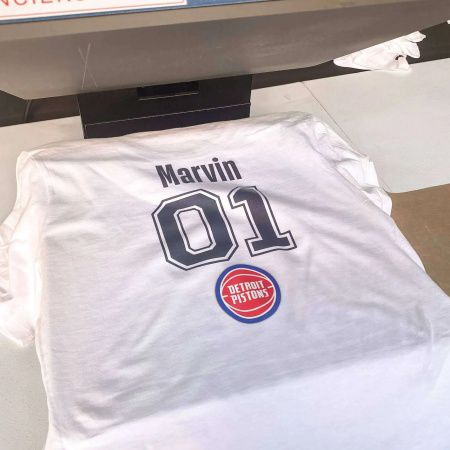
The client sees a “Let’s Get Started!” prompt, then enters their preferred handle and name to display on the jersey, just below the number.
2. Patch Selection:
Prompt the client to choose patches to include on their jersey. Options include selecting one or two patches from a total of four.
The client selects where each patch will be applied (e.g., Patch #1 on the left arm, Patch #4 on the right arm).
3. User Information:
The client provides their name and phone number and submits their selections.
They receive a text message confirming their order details, including a job number (e.g., #45) and an estimated wait time based on the current queue (e.g., 6 people ahead with a 6-minute estimated wait).
4. Job Ticket Printing:
A job ticket is printed with the client’s name, job number, and jersey size.
5. Production & Distribution:
Staff assembles the jersey according to the selections.
Once complete, a member of the distribution team sends a text message notifying the client that their jersey is ready for pickup.
Jerseys are organised by job number for easy retrieval. Staff can also deliver completed jerseys directly to the client’s hotel room if desired.
- ESPN
- Chanel
- Nike
- Max
- Zoom
- ASICS
- Levi’s
- American Express





Idea Articles Related To Custom Heat Transfers